Contents
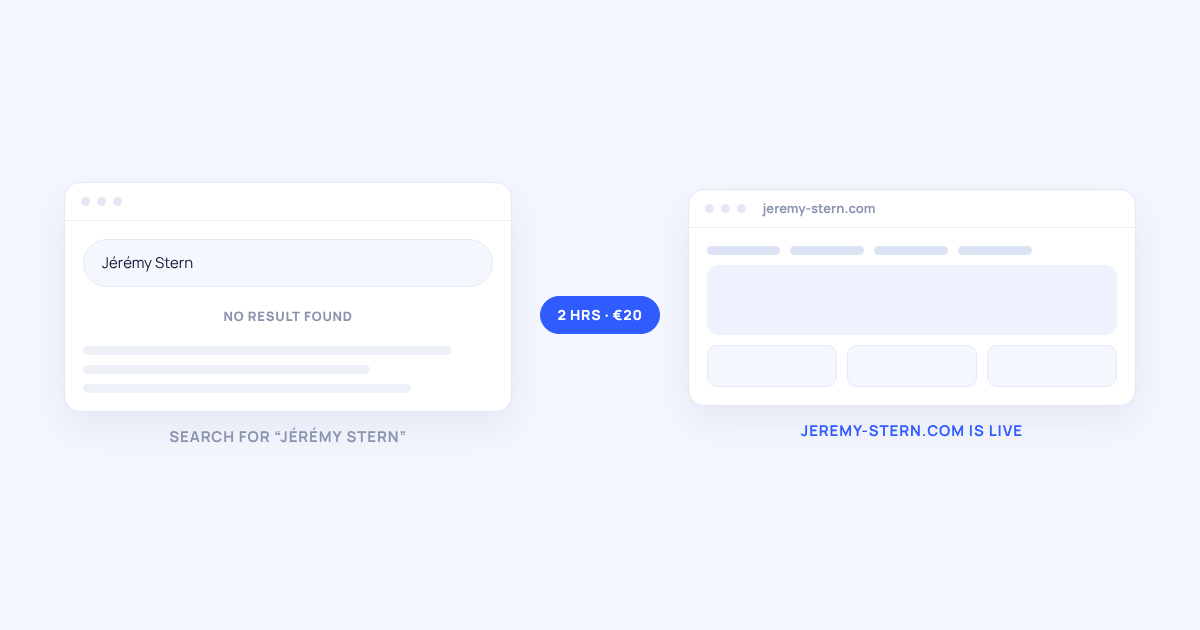
It all started with a dead-simple Google search: my own name. I've been doing digital marketing for almost 5 years, spending my days making brands known online. So one day, out of curiosity, or professional habit, I typed "Jérémy Stern" into Google to see what came up. Result: nothing about me.
I widened the search to LinkedIn and generative AI. Nothing. Just... other Jérémy Sterns. Lots of them. There are apparently about 300 of us on this planet. That day, I realized I could no longer afford not to exist online. Here's how I built my website, from scratch, without knowing how to code.
Diagnosing the problem
Before diving in, I wanted to understand why I didn't show up anywhere. The answer was simple: I just had no page in my name that a search engine or an AI could rely on. No website, no portfolio, nothing that brought together who I am and what I do.
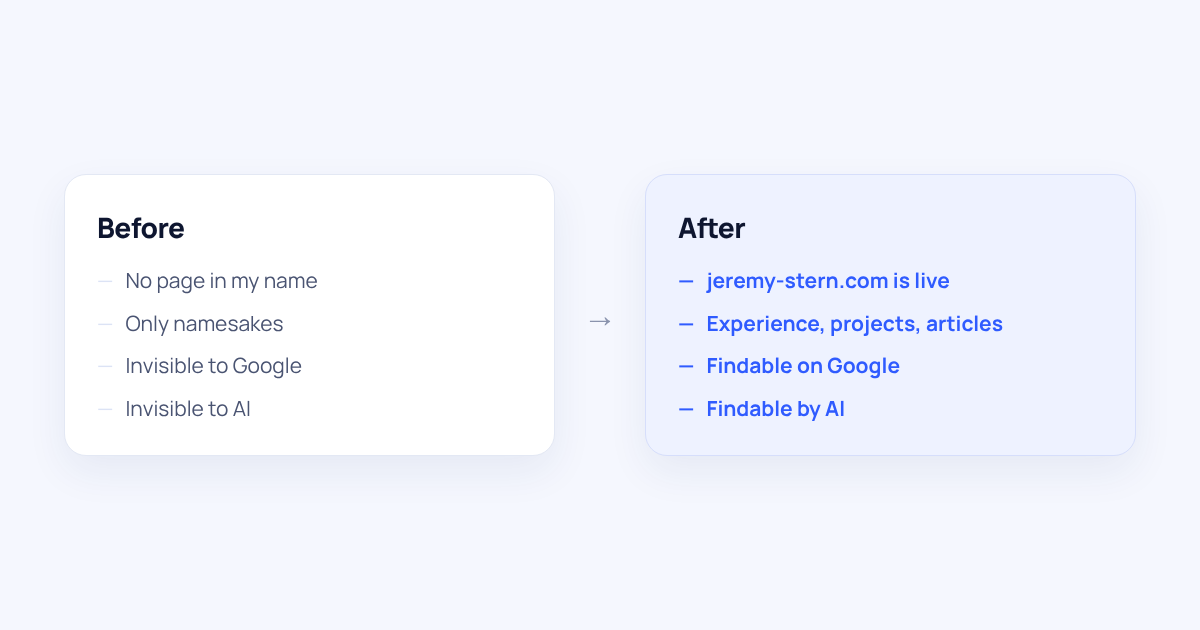 The diagnosis shaped everything that followed: making me findable, not a namesake
The diagnosis shaped everything that followed: this wasn't just about "making a nice website", but about creating a clear anchor point so that I would become findable, me, and not a namesake.
Defining the website's purpose
Before opening a single tool, I asked myself the simplest and most often skipped question: what is this website for? For me, the answer came down to a few points: presenting my background, explaining what I do in digital marketing, and having a space of my own to publish my ideas, rather than leaving everything on LinkedIn.
So I bought the domain name jeremy-stern.com.
Putting everything in writing before creating anything
This is the step I'd do first if I had to start over. Instead of rushing straight into building, I put everything in writing: my background, what I wanted to convey, the visual style I had in mind, the purpose of the site, why I was doing it.
That document served as the foundation for everything that followed. Without it, I'd probably have gone around in circles for hours in front of a blank screen.
Building the visual identity with Claude
I had a fairly precise idea of the look I wanted, but few web design skills. So I iterated with Claude: I gave it instructions, it suggested different visual styles, I refined, and we started again.
After several rounds, I ended up with something that truly matched what I had in mind. Neither a generic template, nor a design I couldn't have justified.
Turning the documents into a technical brief
Once my background, visual identity and goals were down in writing, I sent everything to Claude and asked it to turn it all into a brief Claude Code could work with.
This is the step that made the switch from "I have ideas" to "I have specifications". The generated brief was clear and structured enough for the rest to go smoothly.
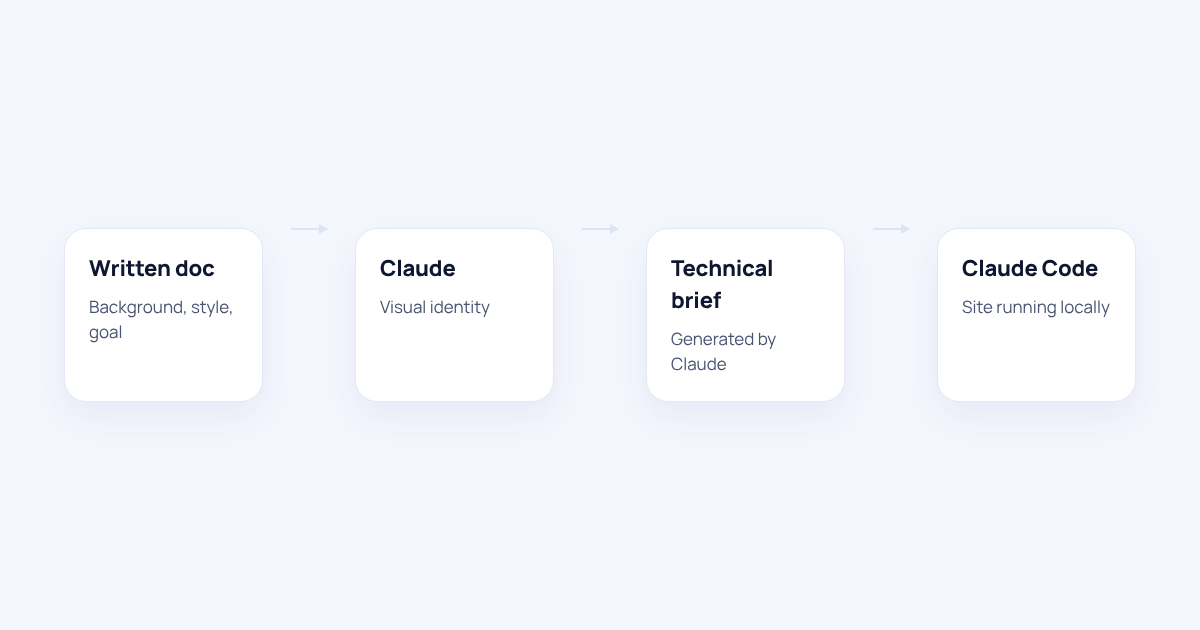 From written document to coded website: each step feeds the next
Coding the website locally
I copied the brief into Claude Code, created a dedicated folder on my computer, gave the tool access, and started the build. The website began to take shape right there on my machine, section by section.
A quick reminder for anyone who doubts it: I don't know how to code. Well, I can edit some HTML. And yet the site was built before my eyes, through my conversations with Claude Code.
Handling deployment without the hassle
The last ingredient, and not the least: how to update my website automatically. This is often where things get complicated for non-technical people. To avoid that, I connected Claude Code to GitHub, then linked GitHub to Netlify, which hosts the site.
As a result, every time I change my website, I tell Claude to push it, and the site redeploys online automatically. No FTP, although I did try FileZilla and Cyberduck. Here, speed comes first.
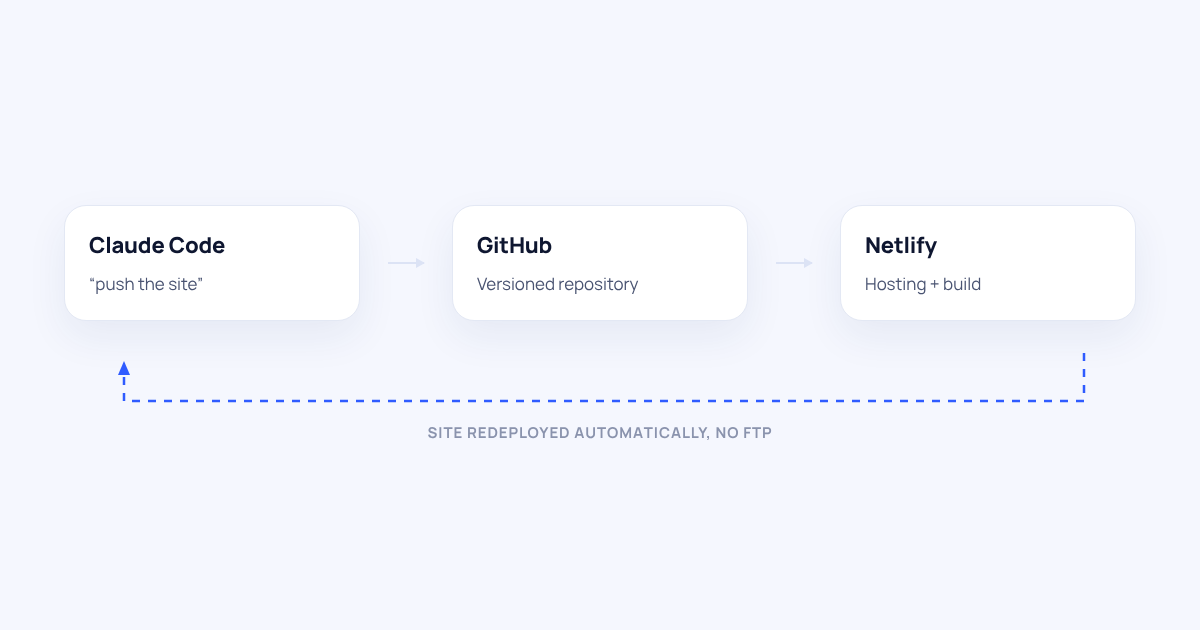 An update takes one sentence to Claude: the loop does the rest
Want to see how I apply this in practice?
SEO, SEA, LinkedIn, automation: my projects sorted by field, with the results behind each one.
See my projects →What's next
The website is live, but it isn't set in stone. I keep adding things, adjusting the content, evolving some sections. That's precisely the point of building this system: updating it only takes a few minutes.
"Type your own name into Google and into a generative AI. See what comes up. If you're not happy with the answer, you have your answer."